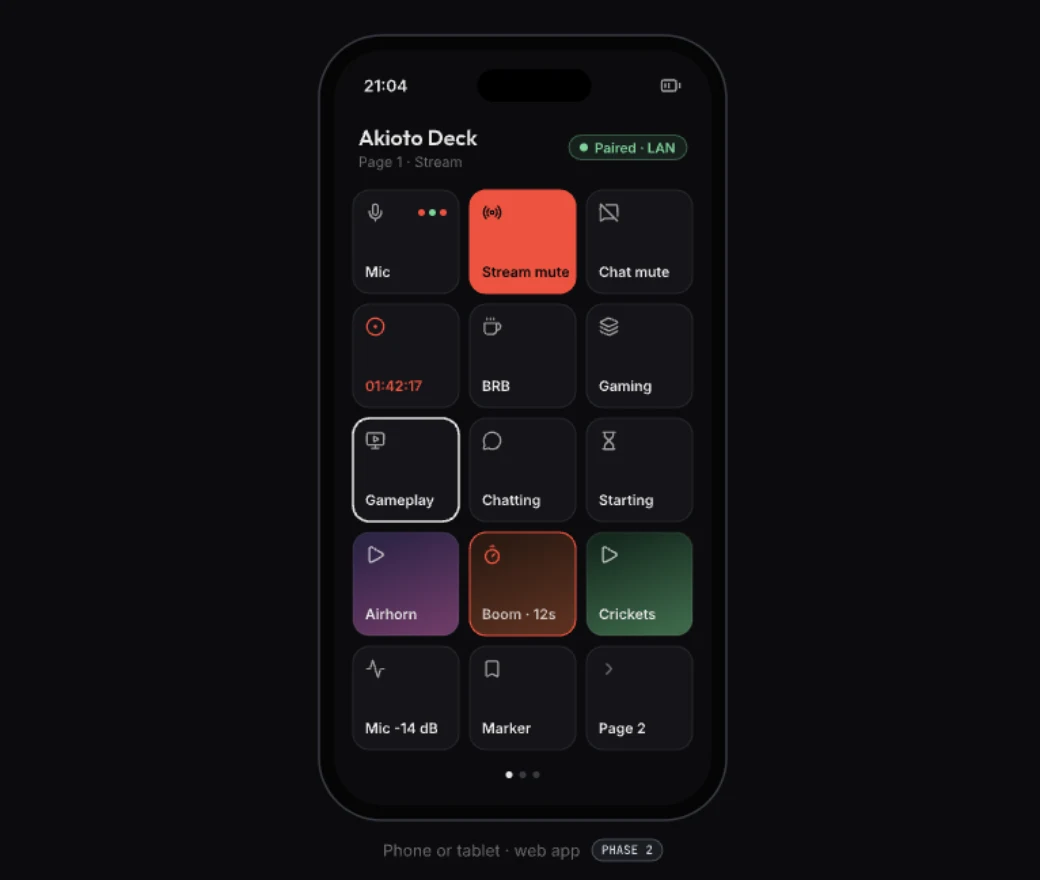
Phone and tablet
Your Deck on any screen at home. Scan a QR code and you're paired.
Parts of this page are in English for now.
Kanade · Audio routing for creators
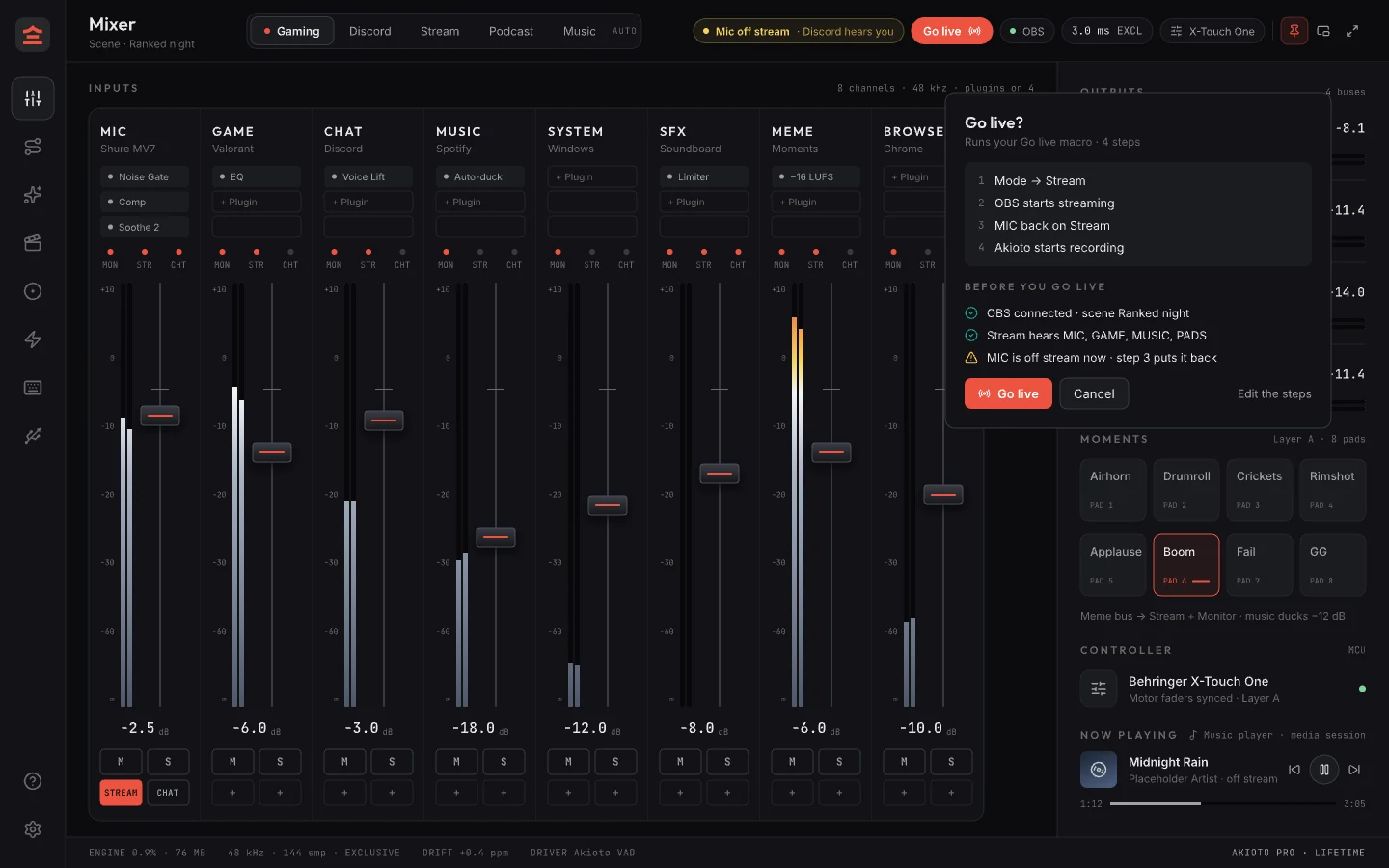
Kanade puts your mic, your game, your music and every app into one mixer, then sends each audience the mix it should hear. Your stream gets the stream mix. Discord gets your voice. You hear everything.
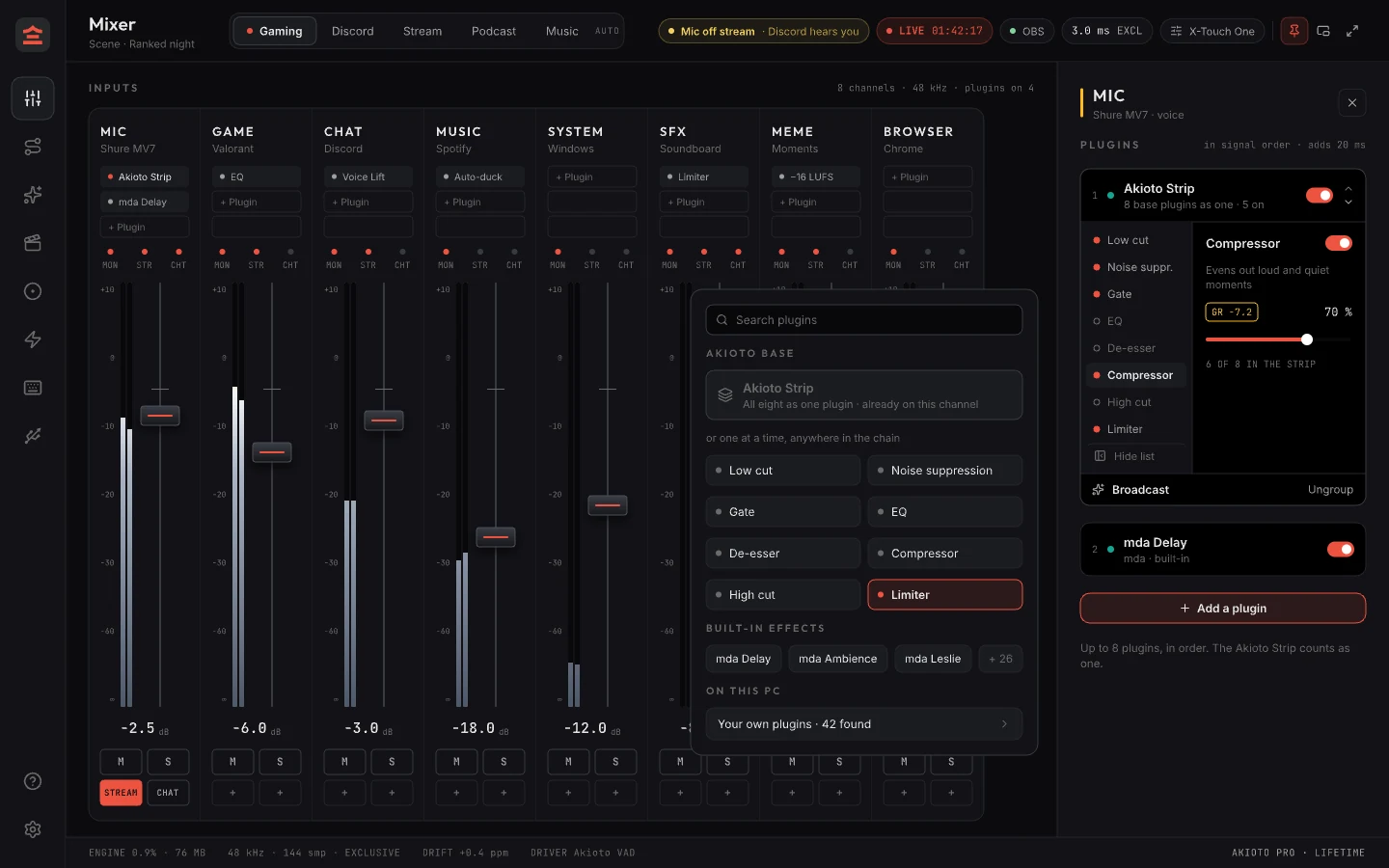
One mixer, four destinations
Kanade mixes once and sends four ways. Mute to stream while your team still hears you. Cough without anyone noticing. Talk to chat only, with a key held down. Each mute knows where it applies.
Every app, its own fader
Kanade picks up each app's sound on its own: games, browsers, music, Discord. Turn the music down for the stream and keep it loud in your headphones.
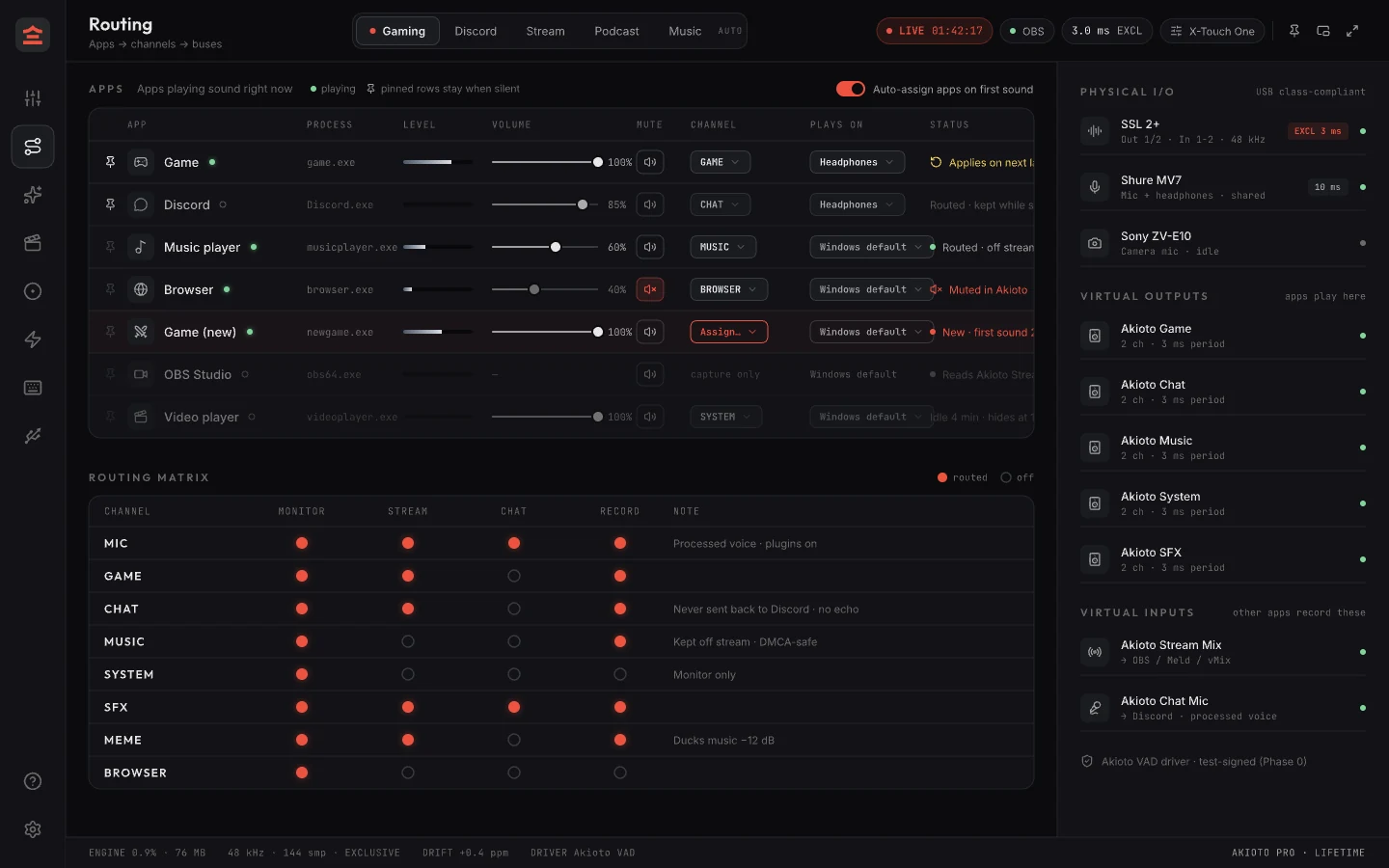
Your voice, finished
The Akioto Strip cleans and shapes your voice: noise suppression, gate, EQ, compressor and limiter, with presets that start in the right place. Pro opens your own VST3 and Audio Unit plugins.

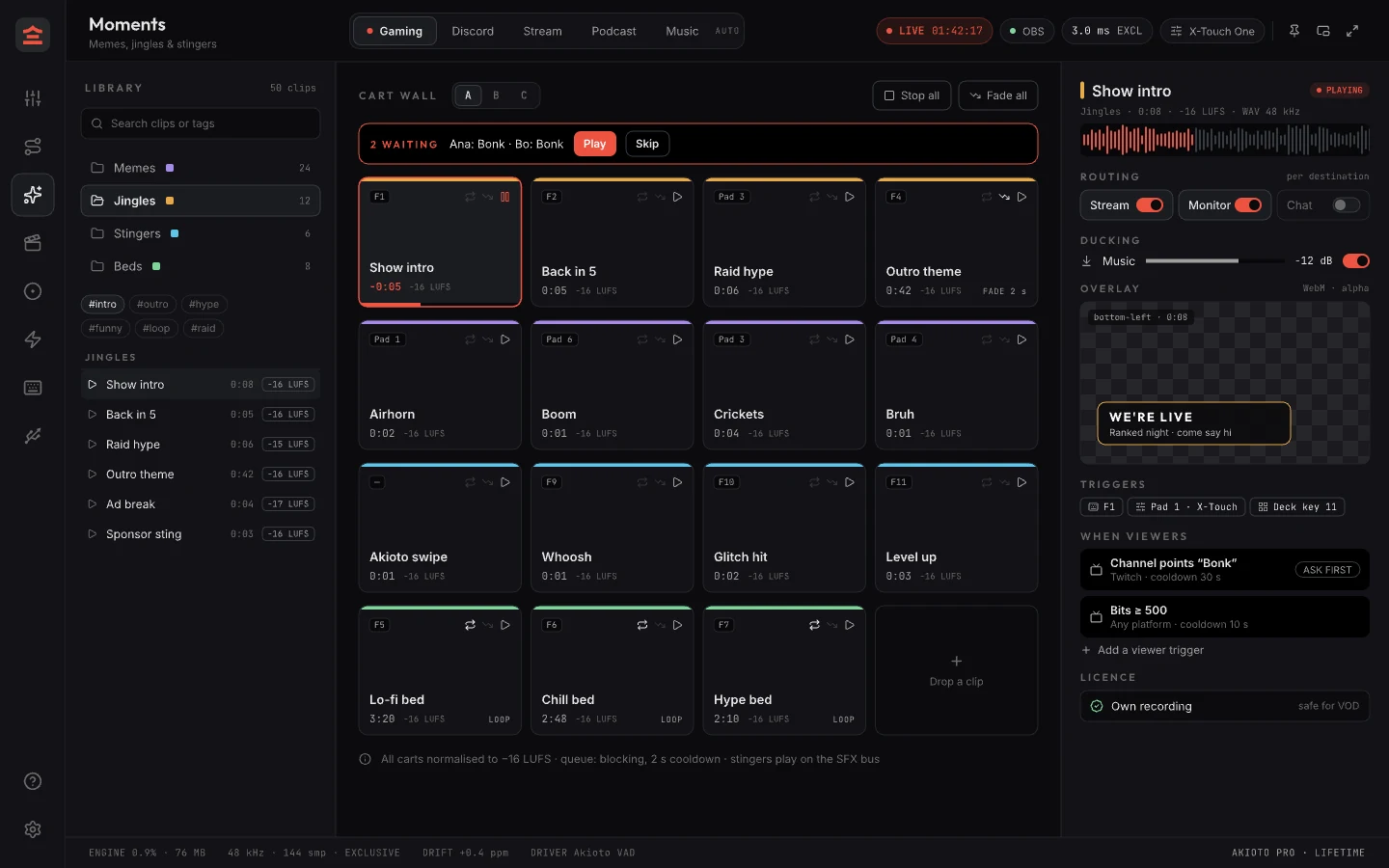
Moments
Drop in your own sounds and clips. Play them from a pad, a key, a MIDI controller or your phone. They go to the stream mix, not into your ears twice.
Go live with OBS
Kanade talks to OBS: scenes, start and stop, a muted badge when you forget. Connect Twitch, YouTube and Kick to clip a moment, mark the recording or show what's playing.
Control it your way
Your Deck on any screen at home. Scan a QR code and you're paired.
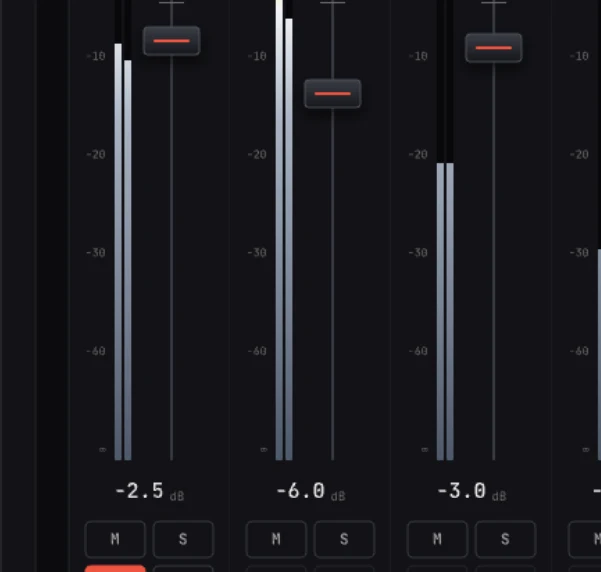
MIDI faders, motorised faders and pads, mapped in seconds, with a printable cheat sheet.
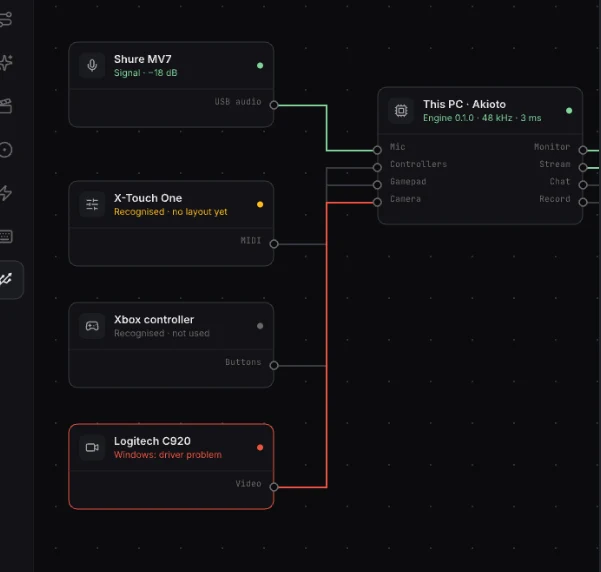
See every device and what feeds what, and check your setup before you go live.
Free and Pro
Everything you need to mix and go live.
One payment. Three of your computers. Every Kanade 1.x update.
From Akioto
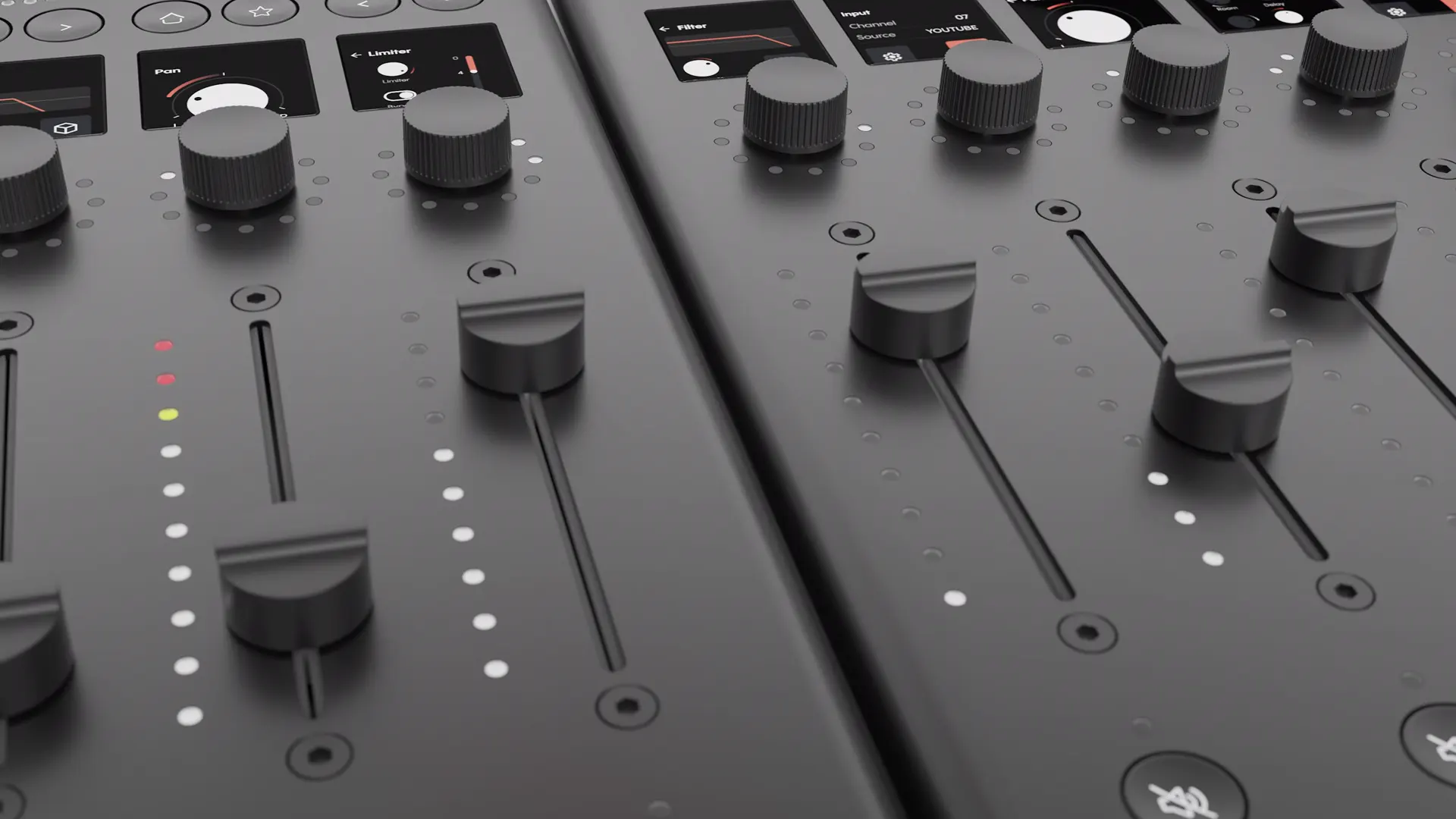
Akioto means “autumn sound”. We make tools for people who create with sound, designed in Japan with the calm of a temple roof and the precision of a fader. Kanade is the first. Hardware is designed and waiting for its moment.
媒体中心
Everything you need to write about Akioto and Kanade.
Affiliates
For streamers, YouTubers and podcasters who already use Kanade.
One email per release, never more.